








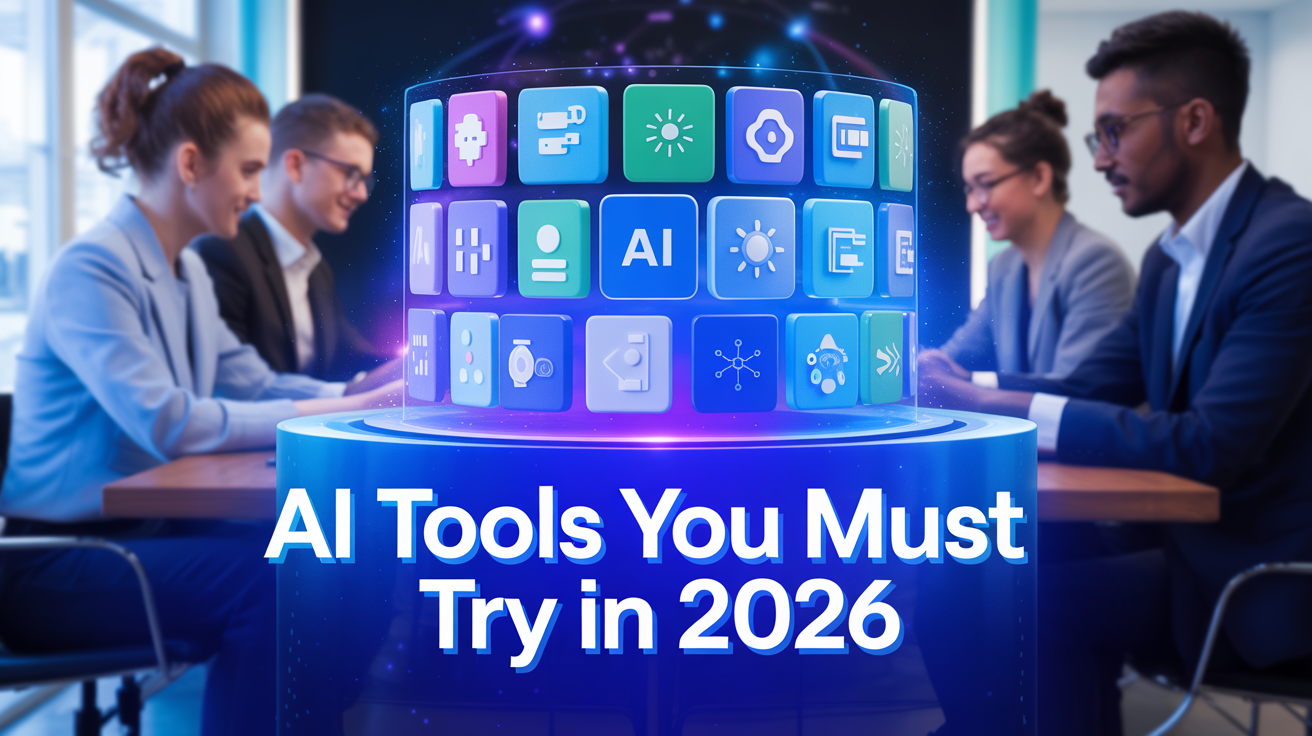
As we move deeper into 2026, the artificial intelligence (AI) landscape continues to evolve not just faster, but smarter. What began a few years ago as niche applications for writing or image editing has now become a powerful suite of tools that can assist with everything from coding, content creation, design, research, and productivity workflows. Whether you’re a developer, marketer, content creator, student, or business professional, there’s likely an AI tool that fits your needs. AI Tools You Must Try in 2026
In this article, we explore the most promising AI tools in 2026 tools you must try if you want to stay ahead, boost productivity, or simply explore where technology is heading.
Table of Contents
Why 2026 Is a Pivotal Year for AI Tools

Before we dive into the tools themselves, it helps to understand why 2026 feels like a breakthrough moment for AI:
- AI models are becoming multimodal capable of working with text, images, code, video, and more, often at the same time.
- Integration across tools and platforms is deeper: AI is no longer siloed into “chatbots” or “image-generators,” but being embedded inside code editors, design suites, project apps, and business workflows.
- Usability and accessibility have drastically improved: tools that once required technical skill are now usable by non-specialists.
- With commercial release and robust ecosystems, many of these tools are stable, supported, and ready for serious productivity not just experimentation.
Given these trends, 2026 truly feels like the year where AI tools stop being “optional addons” and become essential parts of our digital tool-kits.
Must-Try AI Tools in 2026, By Category
Here’s a curated selection of AI tools that stand out in 2026 across different needs (writing, coding, design, productivity, multimedia, etc.).
| Category | AI Tool | What Makes It Stand Out (2026) |
|---|---|---|
| General Writing & Content Creation | ChatGPT | Still one of the most versatile AI assistants ideal for blog writing, summarization, translation, brainstorming, email drafts, and more. By 2026, many see it as their “digital assistant” for almost any text-based task. |
| Jasper AI | Excellent for marketing copy, ad creatives, blog posts, and SEO-optimized content. Great for marketers, content teams, and e-commerce businesses. | |
| Writesonic | Useful for long-form content, product descriptions, landing pages, and quick social media copy. Supports many languages and integrates SEO features. | |
| Design & Image / Art Generation | MidJourney | Popular for creative, stylized, and artistic image generation. Great for designers, social-media visuals, concept art, and creative brainstorming. |
Canva AI (Magic Studio) | Makes graphic design accessible to non-designers, templates, auto-generated graphics, drag-and-drop interface plus AI-powered generation. Perfect for social posts, posters, presentations | |
| Coding & Development | Google Antigravity | A next-gen AI-first IDE (based on typical editors) that lets autonomous AI agents help you write, refactor, debug code, potentially drastically speeding up software development. |
| Qodo | AI-powered code review and quality-assurance platform, helps catch bugs, improve code quality, and integrates into CI/CD pipelines. Useful for dev teams and enterprises. | |
| Unified / Multi-Model Platforms | Lumio AI | A platform that aggregates multiple top AI models (language, image, reasoning) in one interface, letting users pick the right model per task. Good for people who juggle varied tasks. |
| Video & Multimedia Generation | LTX Studio | Enables AI-powered video generation: from text prompts to scenes, storyboards, and sense of direction (camera, framing). Useful for storytellers, marketers, or anyone wanting quick video drafts. |
How These Tools Fit Together Real-World Use Cases
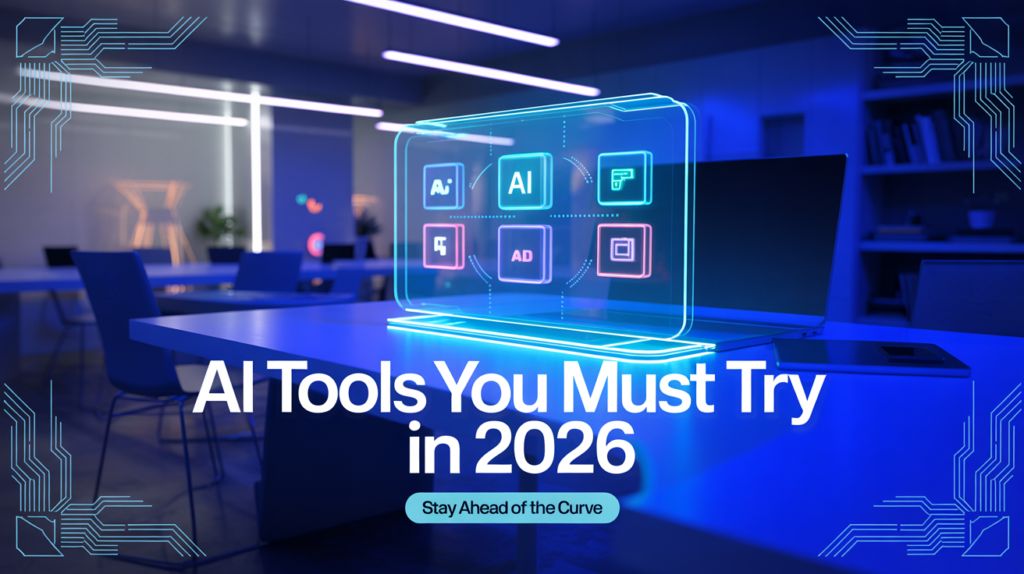
To make sense of this explosion of tools, consider a few typical scenarios:
- Content Creator / Blogger / Marketer: Use ChatGPT for drafting and brainstorming; Jasper or Writesonic for SEO-optimized copy; Canva AI or MidJourney for visuals; maybe LTX Studio for short promotional videos.
- Developer / Startup Team: Use Google Antigravity for rapid prototyping, Qodo for code review, and Lumio AI to pull together research, documentation, and design assets.
- Small Business / Entrepreneur: Canva AI helps build brand visuals, ChatGPT/Writesonic for social media content, and MidJourney for creative ads or product visuals.
- Student / Researcher / Knowledge Worker: ChatGPT and Lumio AI help summarize papers or docs, while coding tasks (if relevant) get an assist from tools like Qodo.
The beauty of 2026’s AI ecosystem is that if chosen thoughtfully these tools complement each other well rather than compete.
What’s Driving This Surge, Trends Behind AI Tools in 2026
- Multimodal AI: Tools like image-generators, code-assistants, and even video-builders now accept inputs and produce outputs across different formats text, code, images, even motion/video. This convergence gives users flexibility.
- Accessibility and Lowering Skill Barriers: What once required design or coding skills can now be done with natural language prompts. Even non-technical users can generate content or design assets.
- Integrated Workflows: AI is no longer isolated. It now integrates with everyday tools IDEs, design suites, CMS, content workflows making adoption seamless.
- Diversity of Tools and Specialization: Instead of one tool trying to do everything, there are now specialized AI tools optimised for distinct tasks writing, design, coding, video, etc. This specialization helps in selecting what fits your needs.
- Democratization of AI: Platforms like Lumio AI enable access to multiple models. Smaller teams and individuals not just tech giants can leverage advanced AI without heavy infrastructure.

Final Thoughts: 2026 Is “AI Tools for Everyone”
2026 marks the moment when AI tools transition from “cool experiments” to “everyday essentials.” Whether you’re writing a blog post, designing a social-media graphic, building a website, coding software, or creating a video there’s an AI tool ready to help.
If you’re curious: Start with one tool relevant to your workflow (say, ChatGPT for writing or Canva AI for design), see how it changes your productivity, then expand. Over time, you’ll find yourself using AI as naturally as you use your browser, pen, or code editor.
If you liked this overview I can also create a top 20 AI Tools 2026 list, with free vs paid, pros and cons, and best fit by profession (developer, marketer, student, etc.).
Also Read: “AI Shopping will Taking Over in 2026“
Frequently Asked Questions (FAQs)
Q: Are these tools expensive?
A: Many of these tools offer free or freemium tiers (especially ChatGPT, Canva AI, MidJourney). Paid versions unlock more features, higher usage limits, or premium assets but you can often start with free versions and scale as needed.
Q: Is using AI-generated content safe for originality (plagiarism, copyright)?
A: Most tools generate original content (text, images) rather than copying. However, it’s always wise to review, edit, and if used commercially verify licensing, especially for generated images or assets.
Q: Will AI replace professional designers, developers, writers?
A: Not necessarily replace but augment. AI handles repetitive, time-consuming, or idea-generation tasks. Professionals add human judgment, creativity, nuance, domain knowledge. AI speeds up workflows; human skill shapes quality.
Q: I’m not technical. Are some of these tools still useful for me?
A: Absolutely. Tools like Canva AI, ChatGPT, Lumio AI, Jasper, MidJourney make design, content creation, and ideation accessible even to non-technical users.
Q: Can I use these tools for business or commercial work?
A: Yes, many tools are explicitly designed for commercial use (marketing, content creation, branding). But always review licensing terms and content-use policies, especially for images or media generation tools.